Appendix A — Settings Reference
All user-configurable parameters in one place, grouped by location in the app.
Settings → AI Model
| Setting | Description | Default |
|---|---|---|
| Provider | Active AI provider: Gemini, Claude, Ollama, GLM-4, Local AI (stored as llm_provider; the Local AI value is local) | Gemini |
| API Key | Provider authentication key (not used by Local AI or Ollama) | (empty) |
| Test | Sends a probe request and reports latency and any error | — |
Local AI panel
Shown when the Local AI provider tab is selected. See Local AI.
| Setting | Description | Default |
|---|---|---|
| Model cards | One per available model. Download / Resume / Discard / Cancel manage the download; Select makes a downloaded model active; Delete removes the file | None downloaded |
| Selected model | The downloaded model Local AI uses (stored as local_model_id) | (empty) |
| Test Connection | Loads the model and sends a small request; shows a warning if free RAM is below the model's recommendation | — |
Downloaded model files are stored in conio-data/models/.
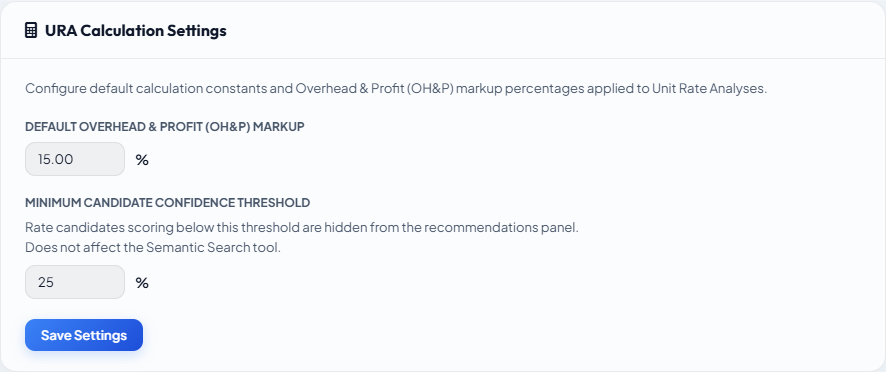
Settings → OH&P
| Setting | Description | Default |
|---|---|---|
| OH&P % | Project-wide overhead and profit percentage applied to all URAs | 15% |
Editable per item in the URA workspace; the project-wide value is the default for new URAs.
Settings → AI URA Generation Contexts
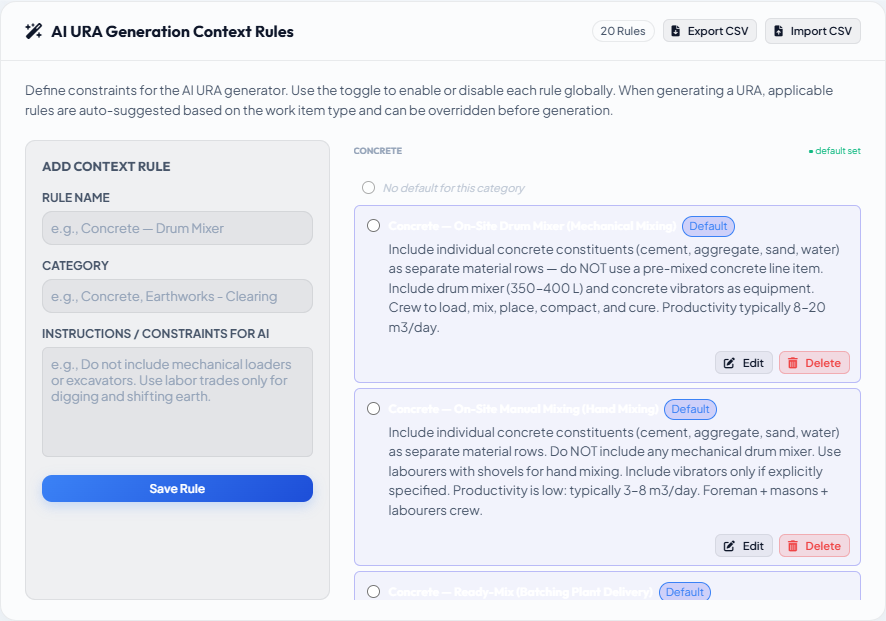
Named context rules organised by work category (Concrete, Earthworks, Formwork, Masonry, etc.). Within each category, one context can be the Project Default (radio button). Contexts guide the AI on which method, resources, and approach to use.
| Action | How |
|---|---|
| Set project default | Click the radio button next to the desired context |
| Add a context | Click + Add Context and fill in the name and rule text |
| Export contexts | Export CSV — comma-separated name + rule |
| Import contexts | Import CSV — same format; duplicate names are skipped |
Settings → Matcher Weight Tuning
See Matcher Scoring Profile for full documentation.
| Parameter | Storage | Default | Range |
|---|---|---|---|
| Leaf weight | Project profile | 55% | 0–100% |
| Ancestor weight | Project profile | 25% | 0–100% |
| Spec weight | Project profile | 20% | 0–100% |
| Keyword enrichment flag | Project profile | OFF | ON / OFF |
| Overlap scorer flag | Project profile | OFF | ON / OFF |
| Reweight flat tables flag | Project profile | OFF | ON / OFF |
| Facet matching flag | Project profile | OFF (greyed) | ON / OFF |
Settings → Template Generation Thresholds
| Key | Default | Effect |
|---|---|---|
template_match_threshold | 0.65 | Minimum Jaccard score to use a template as a strict Baseline reference |
template_reference_floor | 0.30 | Minimum score to use a template as a Starting point; below this, generation is Cold |
Raise template_match_threshold if AI-generated URAs drift too far from the seeded template style. Lower template_reference_floor if many items fall through to Cold when a reasonable template exists.
Settings → Recipe Library
Template Library management. See Template Library.
Settings → License
| Field | Description |
|---|---|
| Tier | FREE, SOLO or OFFICE |
| Organisation | Name registered with the license (paid tiers only) |
| Expiry | License expiry date (paid tiers only) |
| Days remaining | Countdown to expiry (paid tiers only) |
Settings → App Version
Shows the current version, the latest available version, and whether an update is available or required.
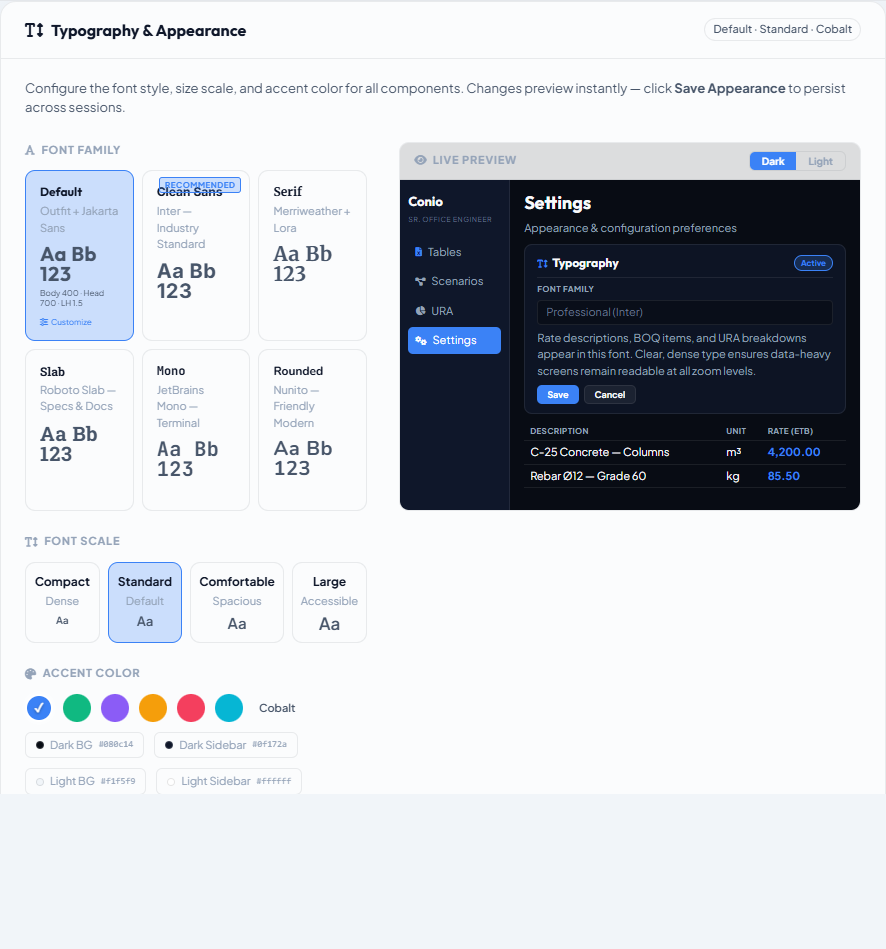
Settings → Display (Font & Theme)
| Setting | Description |
|---|---|
| Theme | Light / Dark / Follow system |
| Font size | Standard / Larger / Compact |
| Font style | Professional (default) / Condensed / Wide |
| Preview | Live preview of all UI components updates as you change settings |
Changes apply immediately; saved on click of Save Appearance.